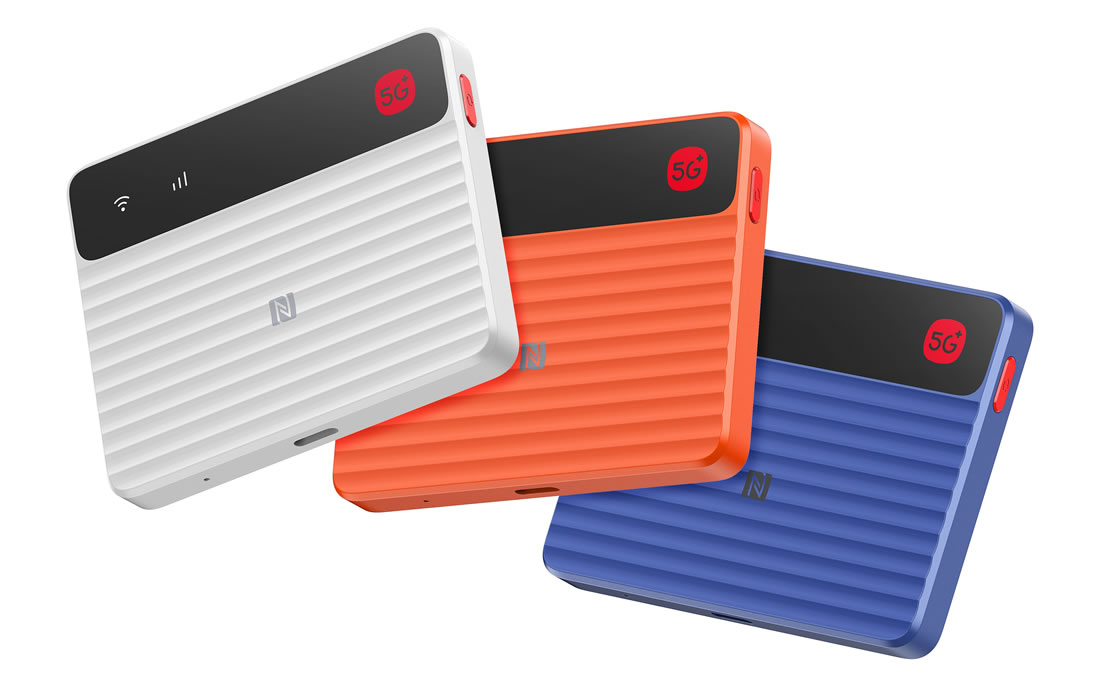
The ZTE F50 Pro is a tiny 5G pocket WiFi device made for travel days, train rides, remote work setups, and backup internet at home. It launched in late 2025, and on paper it looks easy to love, because it’s small and light, supports WiFi 6, and can share a connection with up to 16 devices at once. That means one palm-sized box can keep your laptop, phone, tablet, and a few more gadgets online without leaning on your phone’s hotspot. If your mobile network is part of the plan, it also helps to understand Jio network coverage and speed tips before you judge any hotspot by signal alone.
But this little router comes with a catch, and it’s a big one for daily use: there’s no built-in battery. So while the ZTE F50 Pro promises fast 5G and extreme portability, it always needs power from a wall plug, laptop, car charger, or power bank. For some people, that’s no problem at all; for others, it’s the detail that changes everything. Let’s get into the specs, real-world use, pros and cons, who should buy it, and how it stacks up against larger rivals.
What the ZTE F50 Pro is and who it makes sense for
The ZTE F50 Pro is a portable 5G hotspot, plain and simple. It’s not a phone, and it isn’t a home router in the usual sense. Its job is to take a mobile data connection from a SIM and share it with several devices at once, so your laptop, tablet, and phone can all get online through one small box.
That sounds basic, but in real life it’s useful in all kinds of places. Think of a train table turning into a work desk, or a back seat full of kids streaming and gaming on a long drive. In a home internet outage, it can also step in and keep the essentials running.
A tiny 5G hotspot built for life on the move
The first thing that stands out about the ZTE F50 Pro is how little space it takes up. At 56g, it’s so light that carrying it feels like tossing a few business cards or a small key fob into your bag. Slip it into a jacket pocket, a tech pouch, or the coin pocket of your jeans, and there’s a good chance you’ll forget it’s there.
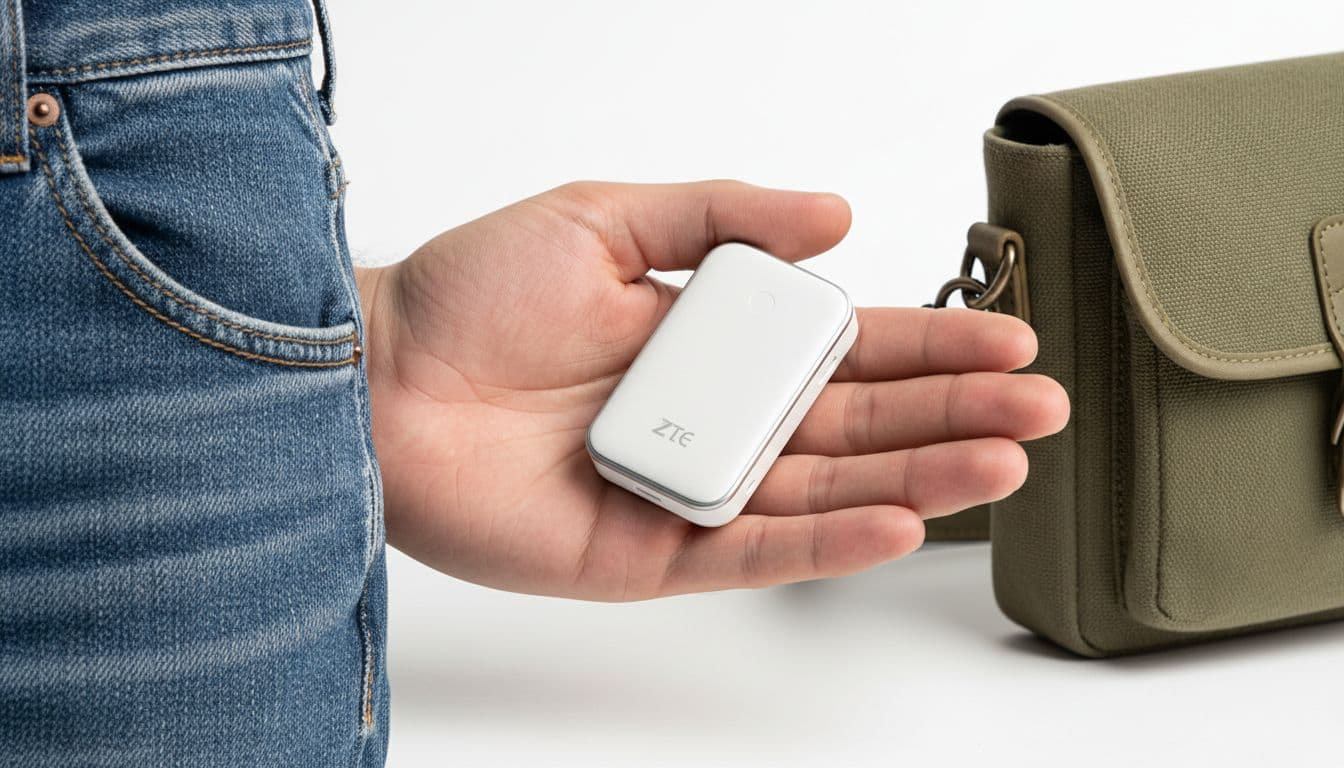
That tiny body is a huge part of the appeal. Bigger hotspots can feel like another gadget you have to plan around. This one feels more like a travel extra you keep on hand “just in case,” then end up using more than expected. If you hate bulky gear, the size alone will make sense.
Best for travelers, remote workers, and anyone who needs backup internet
This device fits people who move around a lot and don’t want to rely on public Wi-Fi. For digital nomads, it can turn a café stop or hotel room into a more private work setup. For commuters, it means your laptop can stay online during the ride instead of draining your phone battery with tethering.
It also makes sense for:
- Road-trippers who want to keep maps, music, and tablets connected in the car
- Students who study between classes or need internet away from home
- Remote workers who want a dedicated data connection for travel days
- Families who want a backup option during a home internet outage
In short, the ZTE F50 Pro works best for people who need internet that can travel with them, not a router that stays parked on a shelf.
The trade-off you should know before buying
Here is the key point: the ZTE F50 Pro has no built-in battery. It must stay connected to USB-C power from a power bank, laptop, car charger, or wall plug while you use it.
If that sounds fine, the ZTE F50 Pro makes a lot of sense. If you want a grab-and-go hotspot with its own battery, this probably isn’t your match.
That single detail is the buying decision. Some people will barely care, because they already carry a power bank or work near a laptop all day. Others will find it annoying the moment they leave their desk. So before you focus on speed or size, think about your habits. If constant power fits your routine, this little hotspot can be smart and easy. If not, the smallest device in your bag may still feel like one cable too many.
ZTE F50 Pro specs that matter in everyday use
Specs can look great on a product page and still feel flat in real life. With the ZTE F50 Pro, the details that matter most are the ones you actually notice on a workday, a train ride, or during a home internet outage. This is where the fine print turns into real buying advice, because fast 5G, WiFi 6, and dual SIM support only matter if they make daily use smoother.
5G speeds, band support, and what those numbers really mean
The ZTE F50 Pro supports both SA and NSA 5G, and that matters more than it sounds. In plain English, NSA uses existing 4G infrastructure to help deliver 5G, while SA is a newer setup built more directly for 5G. Since carriers use both, broad support gives the hotspot a better chance of connecting well across different networks and locations.
It also supports Sub-6 5G bands, which are the 5G frequencies most people actually use. These bands usually travel farther and work better indoors than the very short-range ultra-fast stuff people often picture in ads. If 5G gets weak, the device can fall back to LTE, so you don’t just drop offline the moment signal quality dips.
That said, headline speed claims need a reality check. Promotional numbers are lab numbers. Daily use is more like traffic on a highway: the speed limit might be high, but congestion, coverage, and your carrier still decide how fast you move. Reports from sellers and hands-on coverage, including Gizmochina’s launch report, point to roughly 150 to 400 Mbps in normal good conditions, with some cases reaching higher.
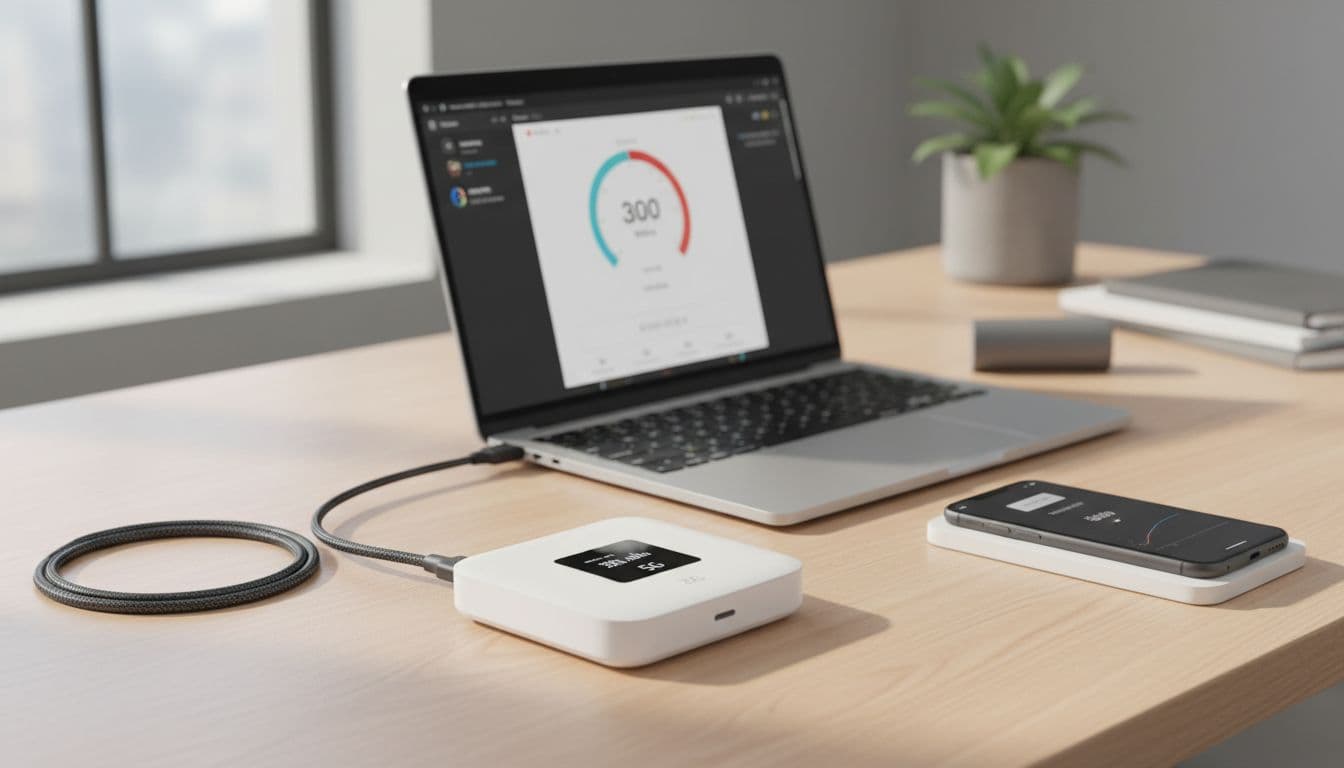
For most people, that means:
- Video calls should stay smooth
- 4K streaming is realistic
- Large downloads feel quick
- Cloud work and browsing won’t feel cramped
The real win isn’t the top speed, it’s having enough steady speed for several devices without using your phone as the middleman.
WiFi 6, dual-band support, and sharing with up to 16 devices
Once the mobile signal reaches the hotspot, your next bottleneck is WiFi. That’s why WiFi 6 matters. It handles multiple devices more efficiently than older WiFi standards, so the connection stays more stable when several gadgets are online at once. Less waiting, less stutter, and usually less lag.
The ZTE F50 Pro also supports dual-band WiFi, meaning 2.4GHz and 5GHz. Think of 2.4GHz as the longer road that reaches farther, but gets crowded more easily. Meanwhile, 5GHz is the faster lane, better for speed and lower lag when you’re closer to the device. In daily use, that gives you more flexibility in a hotel room, apartment, car, or small office.
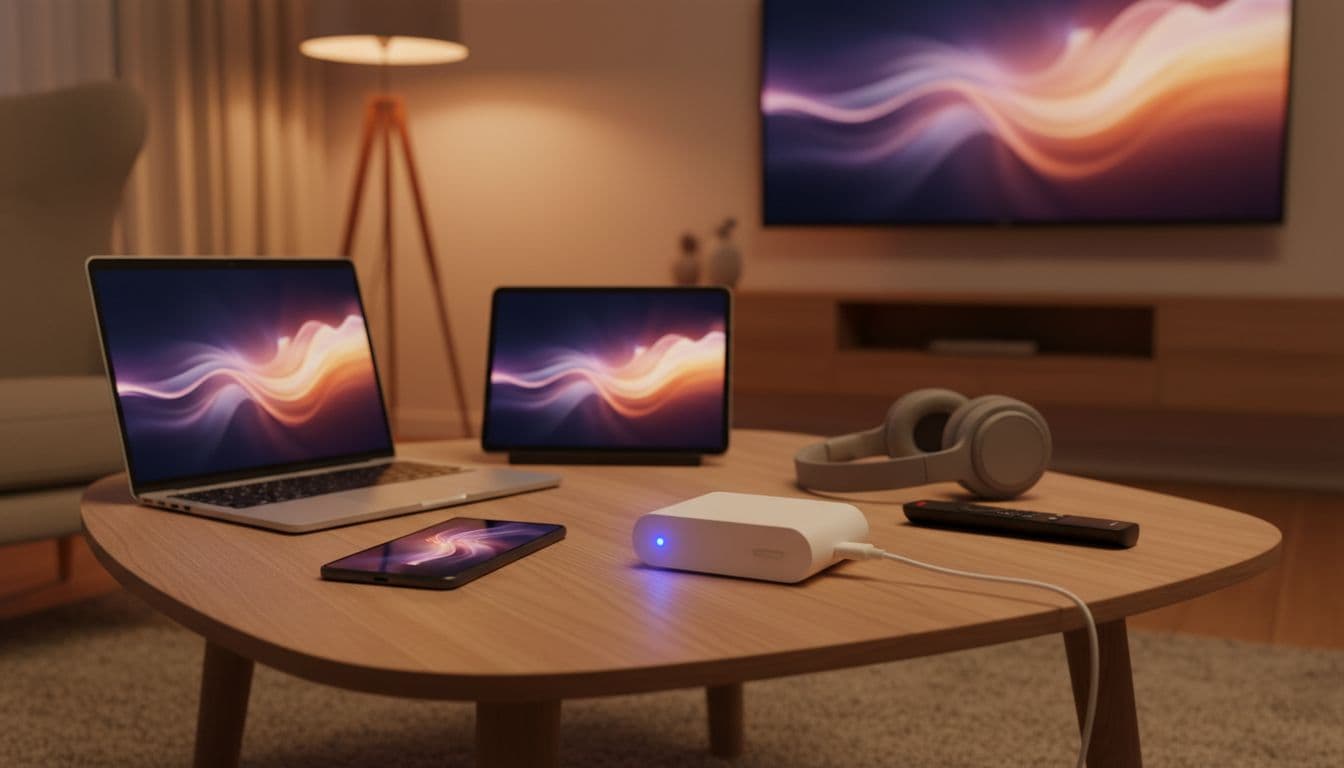
The 16-device limit sounds bigger than many people need, but it’s easy to use up. A normal setup might include two phones, a laptop, a tablet, a handheld console, a TV stick, and a few smart devices. You probably won’t want 16 people hammering the same hotspot with heavy downloads, but for a family, travel group, or small work setup, it’s enough headroom to feel practical rather than cramped.
Dual SIM, NFC, antennas, and other features worth noticing
Some of the smartest features here are the ones that save small daily hassles. The ZTE F50 Pro supports dual nano-SIMs with single standby, so you can keep two carriers loaded and let the device switch as needed. That can help if one network is cheaper, stronger in a certain area, or better for travel. It won’t keep both active at the same time, but it does make carrier swapping much less annoying.
There’s also NFC pairing, which is one of those tiny touches you appreciate after using it. Instead of hunting for passwords or menus, a quick tap can speed up the setup process.
The hardware side matters too. ZTE uses an 8-antenna design with 2×2 MIMO, which helps the hotspot hold onto signal more consistently. In plain terms, it gives the device a better shot at staying steady when coverage is only decent, not perfect. According to NubiaMart’s overview, that extra signal support is part of why the F50 Pro feels stronger than a basic phone hotspot in tricky spots.
The 64GB shared cloud storage feature is less essential, but still useful. If you pass files between devices or travel with a small team, it’s a simple bonus for keeping shared documents within reach.
Price, availability, and what buyers should expect in 2026
The ZTE F50 Pro launched in October 2025, and by April 2026 it’s most commonly sold as an unlocked global model through online sellers. In the US, that usually means importing or buying from specialty retailers rather than walking into a carrier store.
Pricing has settled into a fairly approachable range. Most buyers should expect to see it for about $100 to $150, although some listings dip lower and some bundles run higher. Seller support, warranty handling, and shipping times can vary a lot by region, so the lowest price isn’t always the best deal. With this device, who sells it matters almost as much as what it costs.
How the ZTE F50 Pro performs in real life
On a spec sheet, the ZTE F50 Pro looks almost too neat. In daily use, it feels a bit more human. Some days it’s a tiny lifesaver in your bag. Other days it reminds you that mobile internet still depends on where you are, which carrier you use, and how crowded the network gets.
That balance matters. The ZTE F50 Pro can feel quick, stable, and surprisingly handy, but it doesn’t perform like magic. It performs like a good 5G hotspot that works best when your signal and power setup are both solid.
Speed and stability for work, streaming, and everyday browsing
In a strong 5G area, the ZTE F50 Pro feels fast enough that you stop thinking about it. Video calls stay clear, cloud docs open without a wait, and file uploads don’t drag the whole session down. For normal work, that matters more than flashy peak numbers.
Streaming is usually easy too. A movie on one screen, a Zoom call on another, and a few phones browsing in the background is well within its comfort zone. WiFi 6 helps here, because the device doesn’t get flustered the moment several gadgets jump on at once.
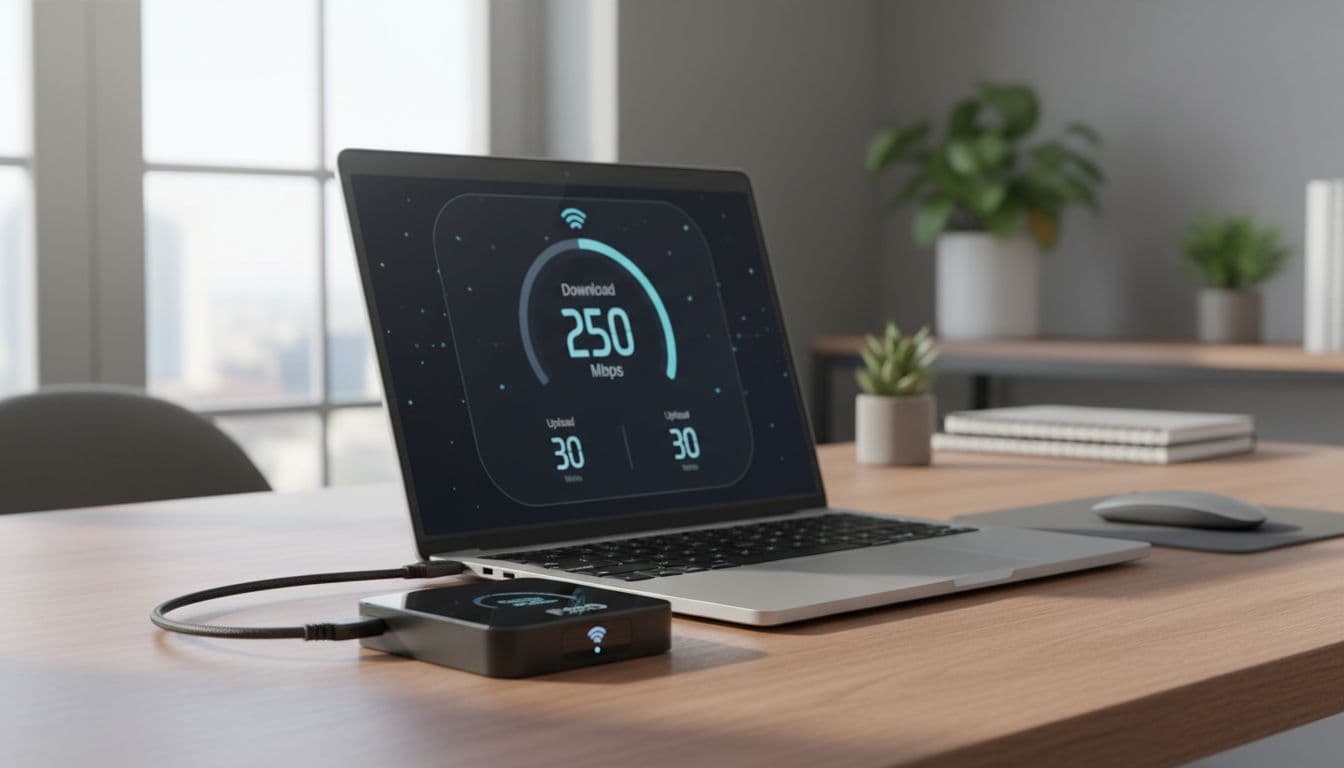
Still, real life has rough edges. Speeds can swing hard from place to place. Near a window in a city apartment, it may feel sharp and snappy. Move into a thick-walled building, a packed train, or a busy event, and performance can dip fast. Recent user reports show a wide spread, from very healthy 5G speeds in strong coverage to much lower results in weaker spots or during heavy congestion, as summarized in this real-world performance roundup.
Uploads are also worth mentioning. They seem good enough for sending photos, backing up files, and posting large attachments without much stress. If you work with cloud storage every day, that’s a real plus. A hotspot can have decent download speed and still feel annoying if uploads crawl. This one usually avoids that trap.
The best way to think about it is simple: the ZTE F50 Pro is a good road, not a private lane. When coverage is strong and the carrier isn’t overloaded, it moves well. When the mobile network is strained, it slows down like everything else.
Powering it with a charger, laptop, or power bank
The no-battery design changes the whole feel of the device. Instead of a hotspot you charge and toss in your pocket, the ZTE F50 Pro behaves more like a tiny modem that always needs a lifeline. That sounds limiting, and sometimes it is, but it can also be simpler than expected.
At a desk, it’s easy. Plug it into a wall charger, leave it there, and it quietly does its job. In a car, the setup also makes sense, especially with a USB-C car charger. It can sit there feeding tablets, music apps, and navigation without draining anyone’s phone.
A laptop works well as a power source too, especially for remote work. If your computer is already open, the extra cable may not bother you. In fact, that setup can feel cleaner than using phone tethering all day. You’re not chewing through your phone battery, and you’re not tying your laptop’s connection to your phone’s mood.
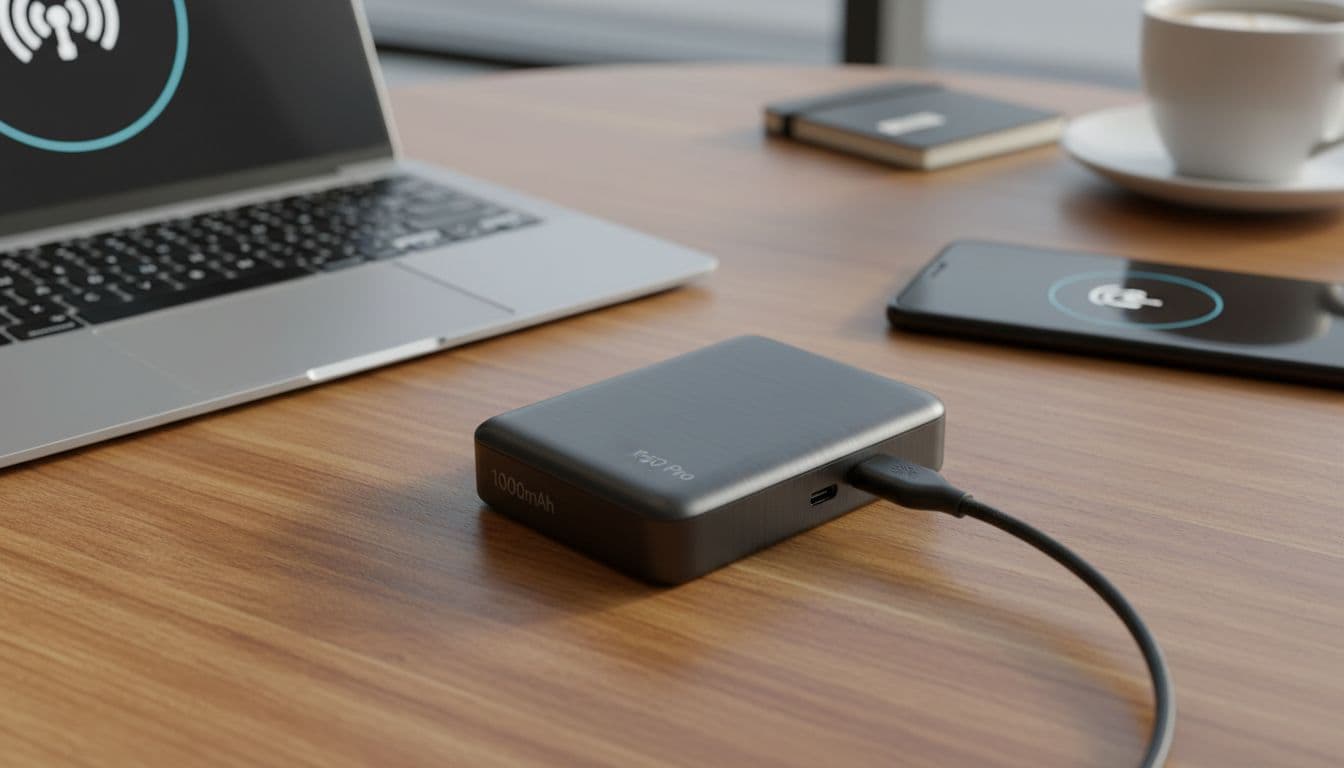
A power bank is where the idea really clicks. Pair it with a 10,000mAh power bank, and you can often keep it running for much of the day. The exact runtime changes with signal strength, how many devices are connected, and what those devices are doing. Light browsing sips power. Several people streaming HD video pulls more.
If you already carry a power bank, the battery-free design feels manageable. If you don’t, the ZTE F50 Pro asks you to change your routine.
That trade-off won’t bother everyone. Some people will barely notice it. Others will feel like they adopted one more cable, one more thing to charge, and one more thing to remember.
Setup, controls, and day-to-day ease of use
Getting started is pretty straightforward. You insert the SIM, connect power, join the WiFi network, and manage the rest through a web interface or app. Because there’s no touchscreen, you won’t be poking through menus on the device itself.
For many users, that’s actually fine. Once it’s set up, most people won’t need to change much beyond checking signal, data use, or connected devices. In that sense, it feels simple. The device stays small because it avoids extra hardware, and daily use stays mostly hands-off.
The downside shows up when you want quick changes. If you need to tweak settings, switch bands, or check details while moving, using a phone or laptop is less direct than tapping a screen on the hotspot itself. That doesn’t make it hard, but it does make it a little less self-contained.
Setup should feel familiar to anyone who’s used a router page before. If you haven’t, there may be a small learning curve, though it’s not steep. According to recent user feedback gathered in this 2026 setup and use summary, most owners find it easy to get running, especially for travel or backup internet.
In day-to-day use, the ZTE F50 Pro lands in an interesting middle ground. It’s simple enough for most people once connected, yet a bit plain if you want more direct control. That fits the product. This is a tiny box built to share data, not a gadget meant to be admired.
Where the ZTE F50 Pro shines, and where it falls short
The ZTE F50 Pro is easy to like at first glance. It feels like a travel gadget trimmed down to the essentials, small enough to disappear in a pocket, yet strong enough to replace phone tethering in the right setup. Still, this is not one of those devices that suits everyone by default. Its best traits are clear, and so are its limits.
The biggest reasons people will like it
The first win is simple: it’s tiny and light. Some hotspots feel like one more brick in your bag. The ZTE F50 Pro feels more like a USB accessory that happens to share 5G.
That small body matters because it changes how often you’ll actually carry it. A bigger hotspot may stay at home. This one has a better shot at coming with you, whether you’re commuting, traveling, or keeping backup internet close.
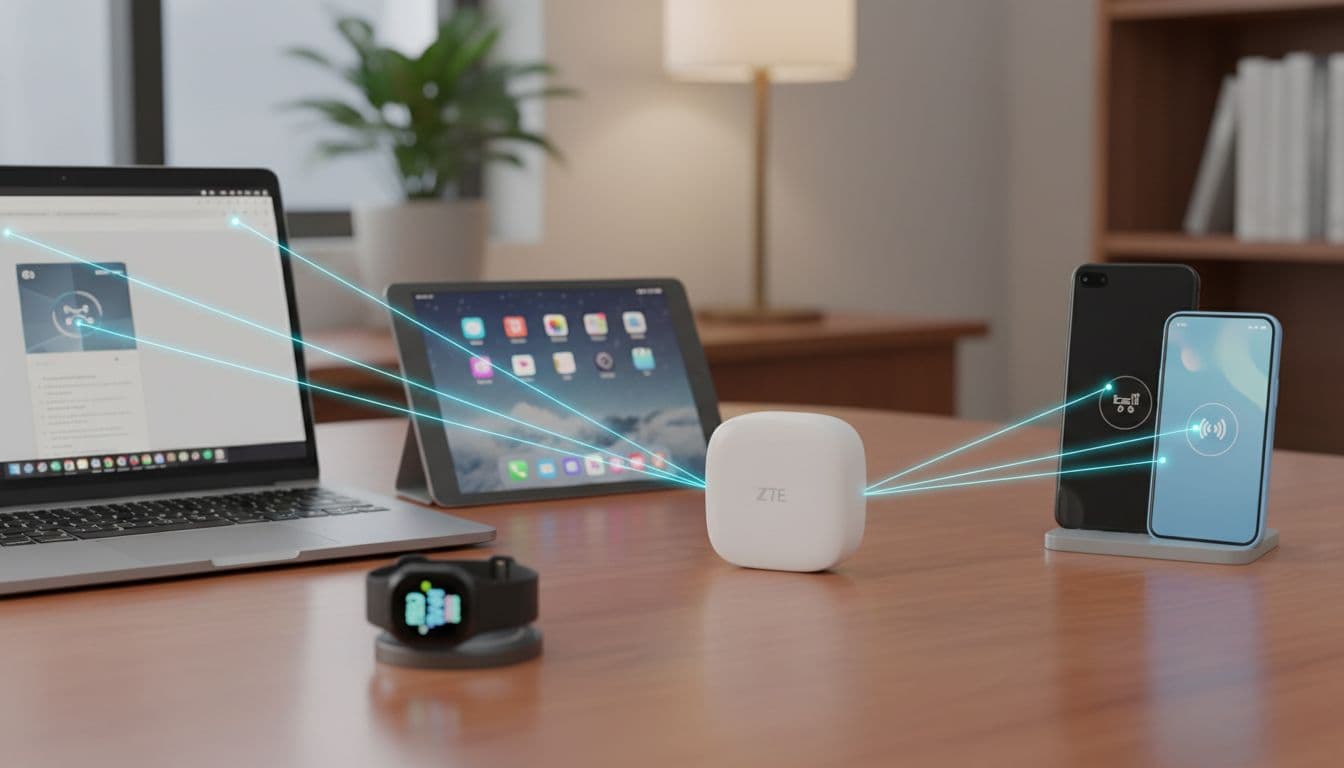
Just as important, the real-world speed looks good enough for normal life. You are not buying a lab number. You are buying a connection that can handle work tabs, streaming, and calls without your phone doing all the heavy lifting. Paired with WiFi 6, it has the kind of modern wireless support that helps when several devices pile on at once.
The dual SIM flexibility also gives it an edge. If one carrier works better in one area and another wins elsewhere, swapping plans becomes less of a chore. For travelers and anyone who likes network options, that’s a real perk, not fluff.
Price is another reason this device gets attention. Compared with bulkier premium hotspots, the ZTE F50 Pro lands in a more approachable range. Recent US availability checks show it commonly sells unlocked online, often below many bigger rivals. If you want a quick sense of how buyers are sizing it up, this ZTE F50 Pro buying guide reflects the same pattern: compact build, decent speed, and lower cost are the main draw.
The downsides that may change your mind
The main drawback is still the one that shapes the whole experience: no built-in battery. That means the ZTE F50 Pro is only portable if you also carry power. In practice, it behaves less like a grab-and-go hotspot and more like a tiny modem with a leash.
Speed can also swing more than some buyers expect. A strong network can make it feel sharp and quick. A weaker area, crowded cell site, or band mismatch can drop it back to something far less exciting. In the US, that’s a bigger issue because compatibility appears better on T-Mobile-friendly bands, while AT&T may be partial and Verizon looks like a poor fit from current online listings and seller notes.
There is also a trust gap. Long-term user testing still feels limited, especially in the US. Seller pages and early reviews are helpful, but they are not the same as years of broad owner feedback. That makes the ZTE F50 Pro a little harder to judge if you want proven reliability over time. If you want a fully self-contained hotspot with broad US carrier confidence, this likely isn’t your safest pick.
A simple buyer checklist before you order
Before you buy, slow down and check the basics. This device makes sense when your setup matches its quirks.
- Check your local band support. If your carrier relies on bands the hotspot handles poorly, the experience can fall apart fast.
- Confirm carrier compatibility. In the US, this matters a lot more than the product photos suggest. Unlocked does not always mean equally good on every network.
- Decide how you’ll power it. Desk charger, car charger, laptop, or power bank, pick one now, not after it arrives.
- Be honest about device count. A laptop, two phones, and a tablet is easy. A whole family streaming at once is a different story.
- Match it to your use style. If you want light travel internet and backup access, the ZTE F50 Pro fits well. If you want an all-in-one hotspot with fewer caveats, keep looking.
For a broader shopping lens, this complete ZTE F50 buying guide covers the same decision points buyers should weigh before ordering.
ZTE F50 Pro vs bigger 5G hotspots, what you gain and what you give up
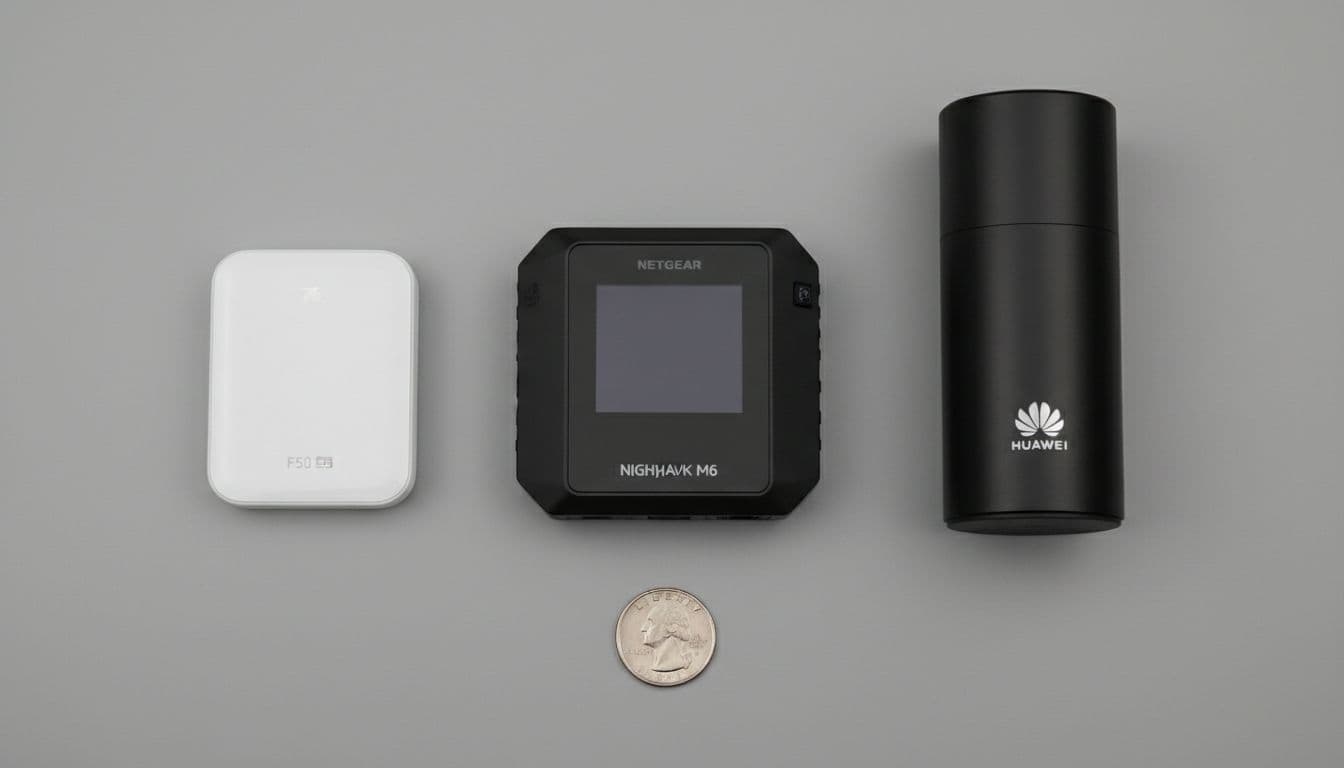
Size changes the whole story here. The ZTE F50 Pro is not trying to out-muscle a big premium hotspot like the Netgear Nighthawk M6, a Huawei E6883-class unit, or larger GlocalMe models. It plays a different game.
Think of it like packing for a trip. One setup is a slim passport wallet. The other is a full carry-on. Both are useful, but they fit very different days.
Why the F50 Pro wins on size and price
The first win is obvious the second you pick it up. At 56g, the ZTE F50 Pro feels closer to a card holder than a router. By contrast, premium hotspots usually take up more pocket space, add more weight, and ask you to make room for yet another chunky gadget.
That matters when you travel light. If you already carry a phone, earbuds, charger, passport, and power bank, a bigger hotspot can feel like one item too many. The F50 Pro slips into the gaps. For minimalists, commuters, and light packers, that convenience is not a small perk. It’s the whole appeal.
Price is the other major reason people look at it. Current market checks put the ZTE F50 Pro far below many high-end rivals, while the Netgear Nighthawk M6 often lands in a much steeper range, as shown on Netgear’s hotspot comparison page. So if you want 5G sharing without spending premium money, the F50 Pro makes a strong case.
In plain terms, you gain:
- A hotspot that’s easier to carry every day
- A lower buy-in price
- Less stress if you only need solid travel internet, not every extra feature
Why premium hotspots still beat it in some areas
Larger hotspots earn their size. Many premium models include a built-in battery, and that changes daily use. You charge them once, toss them in a bag, and go. The F50 Pro, on the other hand, always needs outside power.
That one detail is a fork in the road. With a Nighthawk M6 or some larger GlocalMe units, you get a more self-contained tool. That can be better for airport layovers, long train rides, job sites, or all-day backup internet. Some bigger devices also push higher peak speeds, support more connected devices, and may include extras like Ethernet ports or wider US network support. According to this portable 5G router comparison, that class of hotspot is built more for heavier, office-like use.
Huawei E6883-style devices often sit in the same lane. They tend to favor a fuller hardware setup over ultra-small size. GlocalMe models also appeal to travelers who want a more standalone travel hub, even if that means more bulk and a higher bill.
So yes, premium rivals can do more. They just ask you to pay for it in size, weight, and cost.
The F50 Pro cuts the fat. Bigger hotspots keep more comfort features.
The better choice for each type of user
If you want the clearest split, it looks like this:
- Choose the ZTE F50 Pro if you want the lightest setup possible and don’t mind pairing it with a power bank.
- Choose a Netgear Nighthawk M6 if you want a stronger all-in-one hotspot for heavier use and longer unplugged sessions.
- Choose a Huawei E6883 or larger GlocalMe model if you prefer a more traditional standalone unit and can live with extra bulk.
For a traveler who works from cafes, trains, or hotel rooms, the F50 Pro is like carrying a tiny spare tire. It stays out of the way until you need it. But for someone replacing home internet for days, running a mobile office, or connecting a lot of gear at once, a bigger hotspot makes more sense because it asks less from you once the day starts.
Is the ZTE F50 Pro worth buying in 2026
Yes, for the right kind of buyer. The ZTE F50 Pro still makes sense in 2026 because it solves a very specific problem: you want a small, unlocked 5G hotspot that travels easily, costs less than many premium rivals, and doesn’t force you to use your phone as the internet middleman.
But the value comes with a string attached, quite literally. This device is best when you already live with cables, chargers, and a power bank in your bag. If that sounds normal, the trade-off feels small. If you want a hotspot that works like a grab-and-go backup brick, this won’t feel as friendly.
Who should buy it right now
The ZTE F50 Pro is a good fit for people who care more about size, price, and flexibility than all-in-one convenience. It works best for travelers, students, remote workers, and budget-minded buyers who already carry a charger or battery pack.
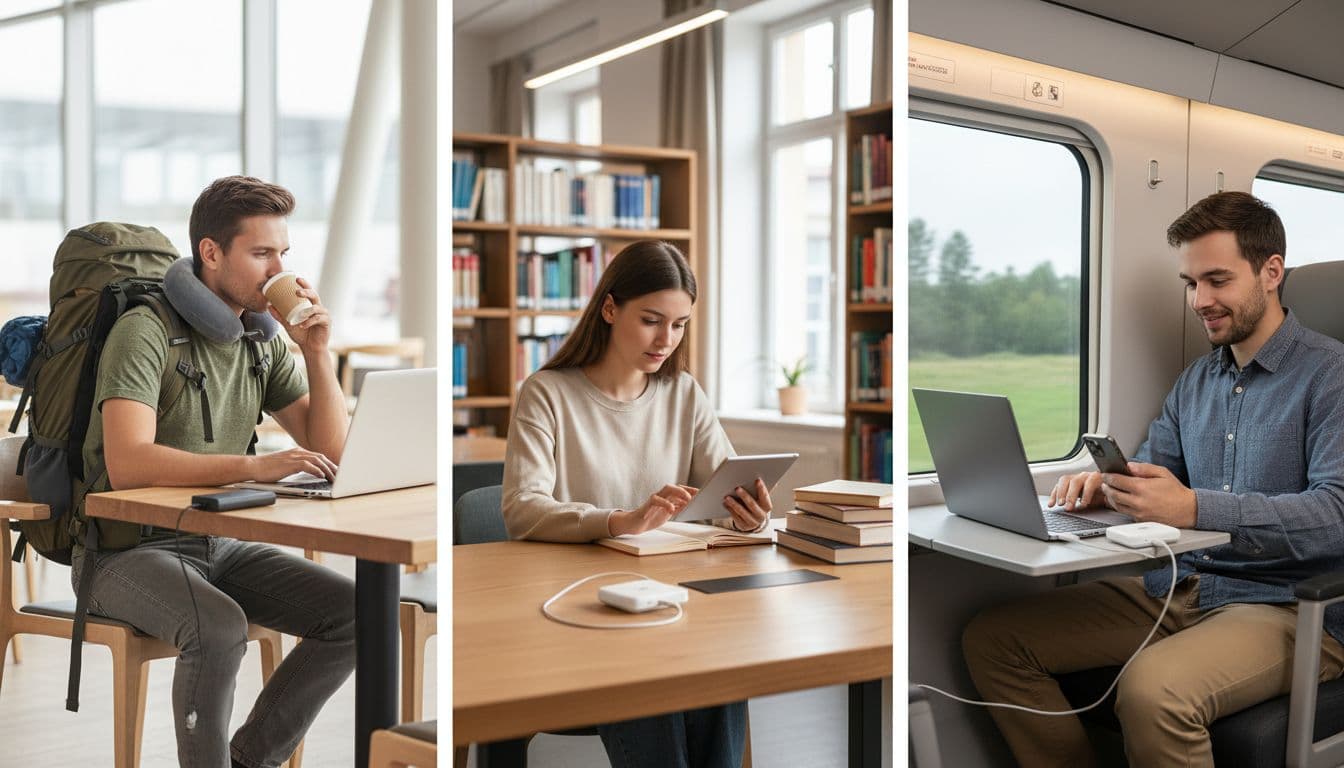
You should be in the sweet spot if your routine looks like this:
- You work in trains, cafes, hotels, or shared spaces.
- You want a dedicated data device instead of draining your phone.
- You already pack a power bank every day.
- You need internet for a laptop, tablet, and a few small devices, not a whole office.
- You want an unlocked hotspot without paying premium-hotspot money.
For those buyers, the ZTE F50 Pro feels like a pocket tool, not a burden. It’s a bit like carrying a compact umbrella. You don’t admire it all day, but when the weather turns, you’re glad it’s there. Current listings also keep it in a fairly approachable range, with recent market checks putting it around $68 to $139 depending on seller and stock.
Who should skip it and look at other options
Some buyers should walk past it. If you need built-in battery life, stronger after-sales support, or the most polished US buying experience, another hotspot will likely make you happier.
Skip the ZTE F50 Pro if you want any of the following:
- A hotspot that runs for hours with no power bank attached
- Better-known US support and easier warranty handling
- More confidence with demanding, all-day setups
- Top-tier speed expectations on every trip
- A more self-contained device for home internet backup
That matters because the ZTE F50 Pro is a sharp little tool, but it’s still a compromise. Availability also looks uneven in 2026, with many listings showing limited stock or sold-out status, based on recent retailer checks. And while buying guides such as this ZTE F50 hotspot buying guide highlight its travel-friendly value, they also point back to the same truth: carrier fit and use case decide everything.
If your setup is more demanding than portable, a bigger hotspot with its own battery is the safer bet. If your setup is light, mobile, and budget-aware, the ZTE F50 Pro is still worth buying.
Conclusion
The ZTE F50 Pro makes its case the moment you pick it up. It’s tiny, feather-light, and easy to tuck beside a phone charger or power bank without a second thought. Add solid 5G speeds, WiFi 6, and a price that stays below many larger rivals, and it feels like a smart little travel tool rather than a bulky extra.
Still, the whole buying decision turns on one detail: no battery. That means the ZTE F50 Pro is only as free as the cable or power bank beside it. For desk work, car use, and travel days with a charger in reach, that’s a fair trade. For anyone who wants a fully self-contained hotspot, it’s the reason to keep looking.
So the choice is simple. If you care most about portability, low weight, and decent real-world speed, the ZTE F50 Pro is easy to like. If you want all-in-one ease with no strings attached, a larger hotspot will fit your life better.