A free Starlink kit sounds simple, but the fine print matters more than the headline. If you’re looking at Starlink because cable stops at the end of your road, the wrong plan choice can cost more than the dish ever would.
Greg from Little River DIY breaks the offer down from the view of an independent installer, not a Starlink employee. His main point is clear: the hardware deal can be good, but only if you understand the commitment behind it.
The real catch is the plan, not the dish
Greg says he has installed Starlink since the early days, starting with the older, more expensive kits and working through the newer generations. That background shapes the whole discussion. He isn’t treating the current promotion like magic savings. He treats it like a pricing model, and pricing models always have strings.
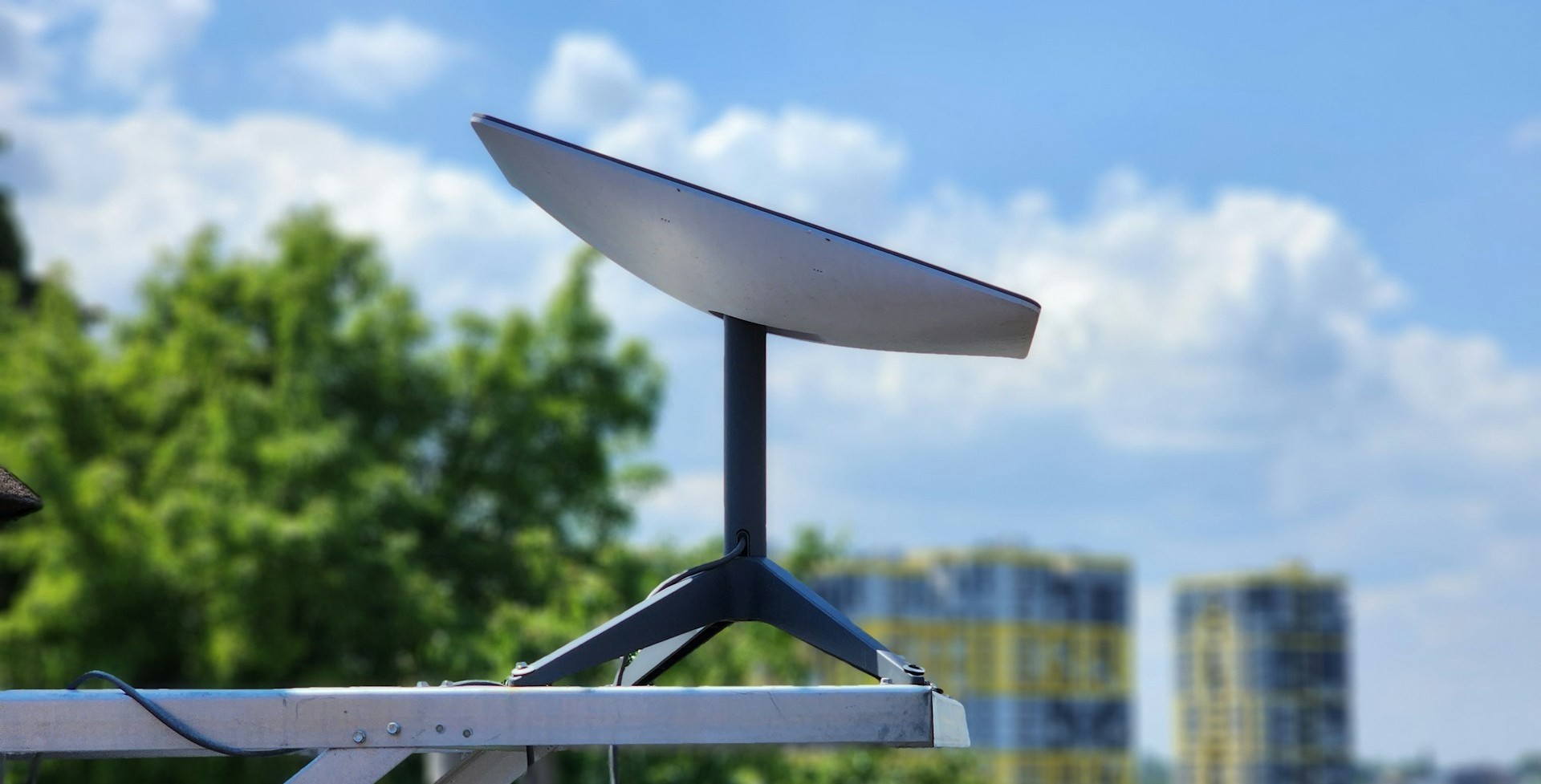
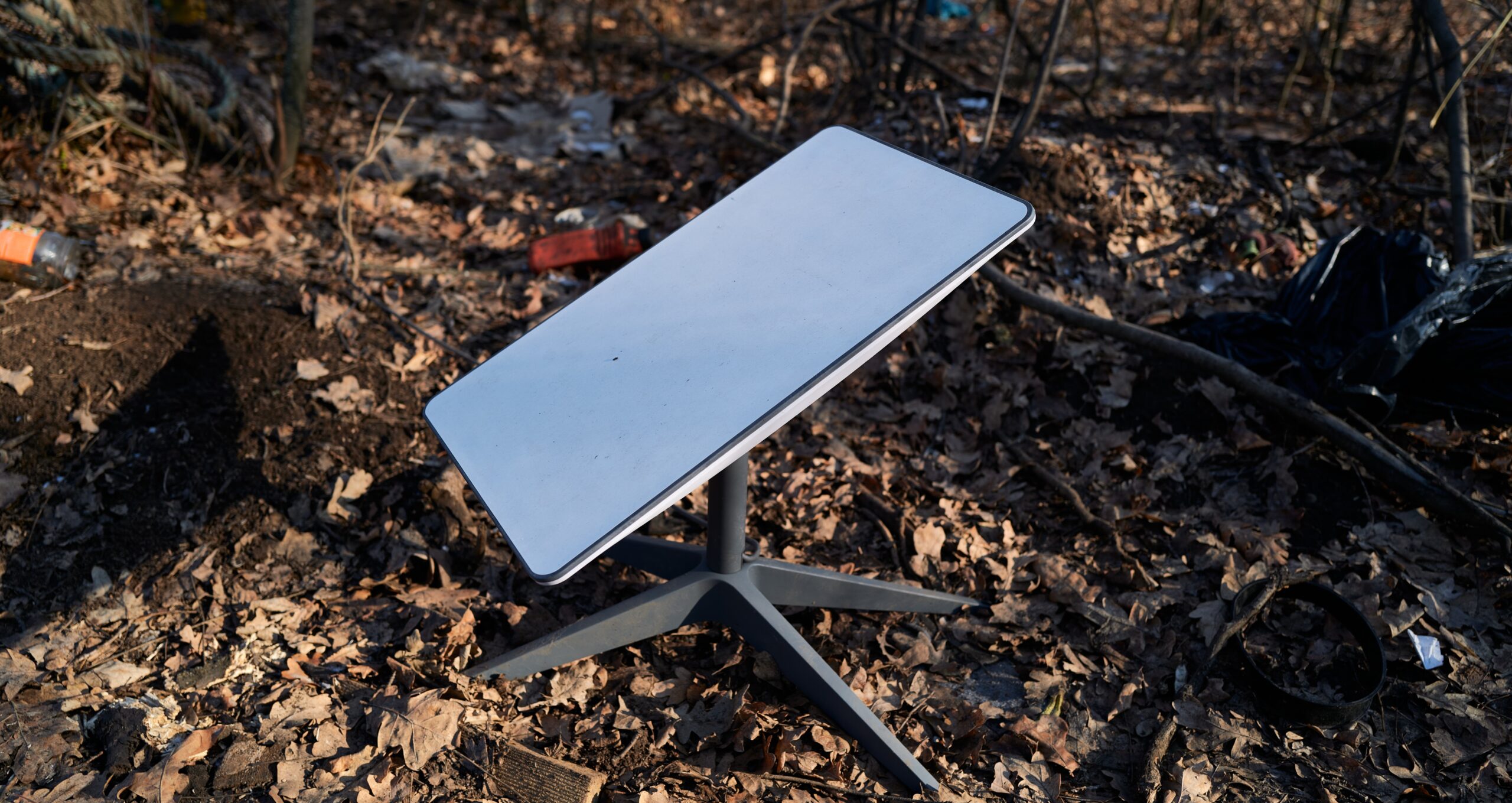
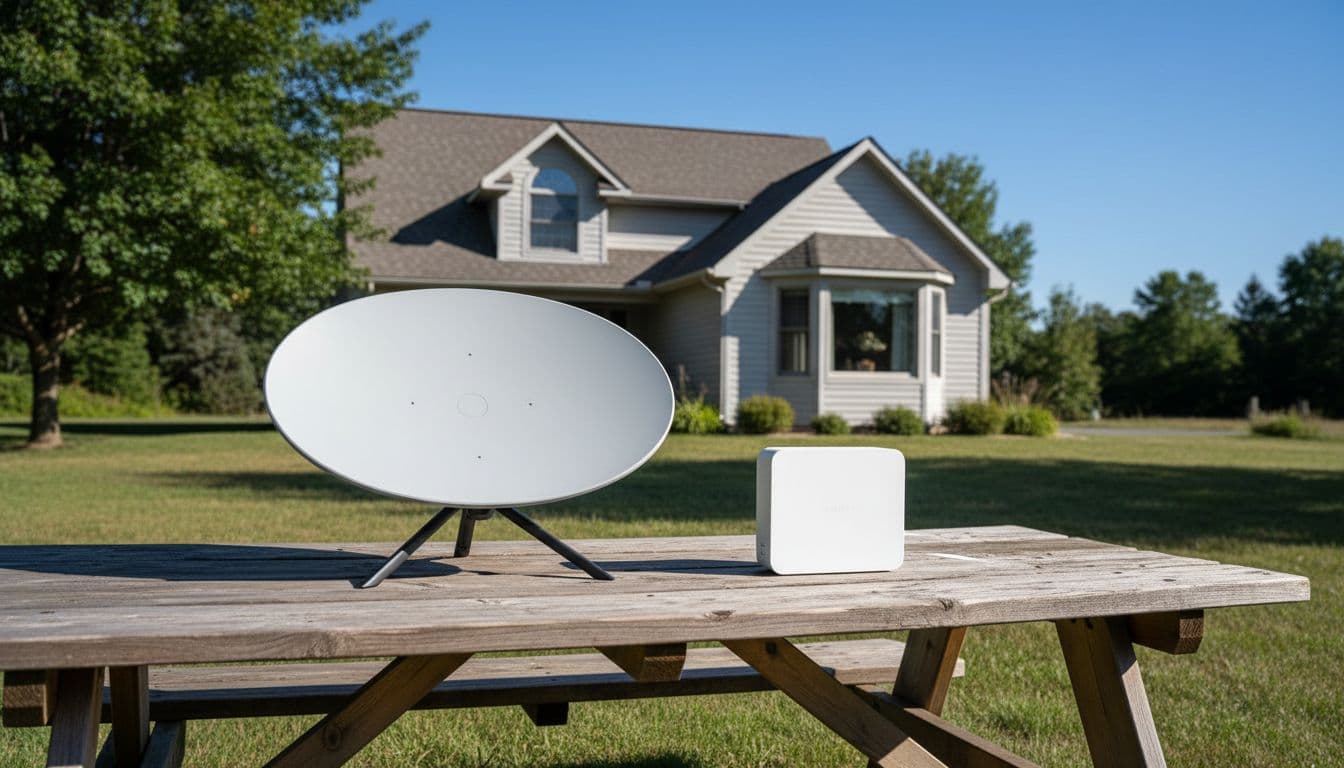
The current focus is the newer residential hardware, often called the Generation 3 kit. According to the video, you can still buy that standard residential dish outright for about $350 in the US or $500 in Canada. When you buy it, you own it. That means you can change plans, pause service, or switch around without the same penalties tied to the free hardware offer.
The free option works more like a rental. You enter your address, see what’s available in your area, and Starlink may send the hardware with no upfront kit charge. However, that “free” dish is tied to a 12-month commitment. Greg is careful on one point: it may not be called a traditional contract, but it behaves like one.
A free dish lowers the upfront cost, but it also locks your plan choice in place for a year.
That matters because many people focus on the dish price and ignore the monthly tier. Greg’s warning is simple. Pick the wrong plan, and the savings disappear.
New customers may also be able to use the Starlink referral offer for one free month of service on eligible Residential or Roam plans. Since Starlink changes promotions by address and market, it’s smart to confirm current terms during checkout. If you want broader context on how Starlink has handled dish rentals, this overview of Starlink’s rental model gives a helpful outside summary.
How the free residential kit works
The biggest choice is whether to buy the dish or take the free hardware offer. Greg frames it in practical terms, not marketing terms.
Here’s the basic side-by-side based on the numbers shared in the video:
| Option | Upfront hardware cost | Flexibility | If you cancel early |
|---|---|---|---|
| Buy the residential dish | About $350 US, $500 Canada | Highest flexibility, because you own the hardware | No hardware buyout tied to a rental agreement |
| Take the free hardware offer | $0 for the kit upfront | Lower flexibility during the 12-month term | You may owe the remaining hardware value |
If you buy the dish, Greg says you can move plans up or down and suspend service more freely. If you take the free hardware, you need to be more careful. He says the plan you choose at signup matters because switching away from it can trigger a penalty.
He also says Starlink has been honoring a 30-day window where you can opt out or make changes. In Canada, he connects that to consumer rules. In the US, he says he isn’t sure it’s required by law, but Starlink appears to honor the same general window. Either way, the message is the same: read the terms tied to your address before you place the order.
What early cancellation looks like
Greg’s example is straightforward. In the US, he says the free kit effectively carries a $300 remaining value, which works out to $25 per month over 12 months. If you cancel four months in, you may owe about $200. If you cancel with two months left, you may owe about $50.
In Canada, he says the number is $500, which breaks down to a little under $42 per month for the same 12-month period.
That structure makes the offer feel less like “free forever” and more like “free unless you leave early.” Still, Greg doesn’t treat that as a bad deal by default. His view is that a one-year commitment is manageable for many households, especially now that the lower-priced plans exist.
He also says that once the year is over, Starlink would likely ask for the rental dish back if you cancel. At that point, he expects the main cost to be shipping rather than a big cancellation fee.
Why a rental dish can still be the cheaper move
This is where Greg’s installer experience stands out. He gives an example that doesn’t sound obvious at first: seasonal users may still save money with the free rental dish, even if they don’t need service all year.
He mentions customers with cottages who only use Starlink for about six months each year. In the past, when monthly pricing was higher, buying the dish and paying only for the active months made more sense. With the newer lower plans, he says the math can flip. In some cases, paying for the free rental dish’s required year of service still costs less than buying the hardware and running service for only part of the year.
That’s a strange little twist. It feels backward, like buying less should cost less. But when hardware prices and monthly rates shift, the cheaper path isn’t always the one with fewer months attached.
Greg’s conclusion is blunt: for many people, especially those who already expect to keep Starlink for a year, the rental unit may make more sense than buying. He also isn’t persuaded by the “I’ll wait for another satellite network” argument. His view is that if you need internet now, a one-year term is not a huge burden.
Recent reporting on free Starlink hardware offers has highlighted the same basic pattern. Upfront savings are real, but they often come tied to a service commitment or a pricier plan.
The free Starlink Mini comes with more strings
The Starlink Mini is a different animal. It’s small, portable, and appealing if you travel, camp, or spend time in areas with no cell signal. Greg says he received one through the Max plan, and that’s the key point. In his explanation, you need to be on the maximum package to get the free Mini and the free mini router offer tied to it.

His use case is simple and believable. He works in places with poor cell service, so he keeps the Mini in the vehicle as a backup for phone calls and connectivity. The surprise is how standby mode now works.
According to the feedback he received after a previous video, you can no longer drive around using the Mini in standby mode. If it’s on standby, you need to pull over and stop before using it. Greg says this changed from what some users had been doing before.
What happens if you fully activate the Mini
Greg says the Mini can also be put on a separate monthly plan for trips and travel. He refers to a light plan in the rough range of $35 to $50 in the US, and he says it appears to include about 100GB of data, with a more expensive unlimited option above that. He is also clear that viewers should verify those numbers before ordering, because the offer can shift.
He shares one other detail from the research done for the video. Even when activated, the Mini may stop working as expected if you’re going over roughly 100 mph, or 160 km/h. That sounds funny until you remember the real point: in-motion use has rules.
Greg also talks about boating, but he does not present it as confirmed policy. His rough opinion is that taking a Mini from your car to a small boat close to shore may not trigger the kind of restrictions meant for true offshore maritime use. Still, that part is speculation, not a tested rule. Anyone who plans to rely on Starlink on water should verify the current mobile and marine terms first.
The mini router situation is still unsettled
This is one of the few parts of the video where Greg openly says the picture is still fuzzy.
He says Starlink had started giving away mini routers with the Max package, and he had recently ordered one for a customer. Then the pricing changed sharply. In his market, he saw the router jump from around $50 Canadian to roughly $150 Canadian, and then become unavailable.
He also mentions online talk that the issue may be tied to where the router was made, with references to the Netherlands, but he doesn’t claim to have confirmed that. The safer takeaway is much simpler: mini router availability changed fast, and he didn’t yet have a firm answer.
What he did say with confidence is that the regular main routers in his area were still available, and in his opinion they work as well or better for many setups. So while the free mini router sounds attractive, it doesn’t seem like the part of the offer you should build your whole decision around.
Installation matters more than most people think
Hardware deals get the attention, but installation is where many Starlink setups either shine or struggle. Greg points viewers to his installation videos because the default kit doesn’t solve every roofline, wall, or cable-routing problem.
The standard cable included with the dish is a 50-foot cable. That may be enough for a simple install, but many homes need more reach. Greg says he carries a 100-foot cable as backup during installs, and he also notes that 300 feet is the longest run you can go with the accessories he mentions.
If you’re trying to avoid surprise delays, it helps to think through cable length and mounting before the dish arrives. The product links in the video description include a 75-foot cable, a 100-foot cable, and a 300-foot cable, which gives a good sense of the lengths people commonly need.
Mount choice can make or break a clean install
Greg spends time on this because a poor mount can leave the dish too low, too blocked, or too awkward to secure well.
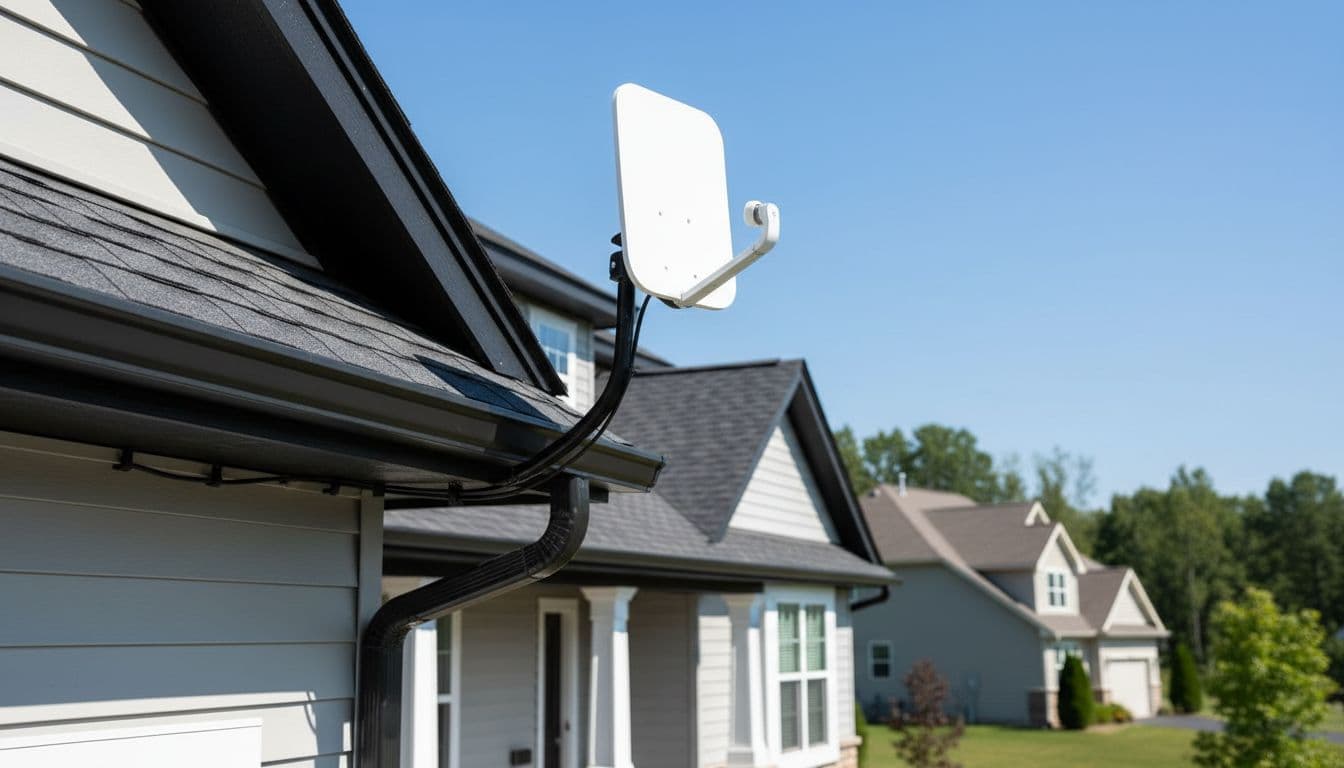
He shows a Starlink-style fascia mount and points out its limitation. It works, but it may not raise the dish enough on every house. He says the mount he uses most often is a more versatile third-party option, because it can adapt to more real-world jobs.
He also mentions that if you already have an old satellite arm or TV mount, a pipe adapter can save the day. The description includes a fascia mount, a pipe adapter, and a long wall mount. Those aren’t Starlink policy links, of course, but they show the kinds of mounting parts that come up again and again.
The larger lesson is easy to miss: a dish in the wrong place is like a skylight in a closet. It’s installed, but it doesn’t do the job you hoped for.
Which Starlink plan most homes probably need
This is the most useful part of the video for anyone worried about overpaying.
Greg says the plans in his area break down into three broad speed levels: about 100 Mbps, 200 Mbps, and a Max plan that lands somewhere around 300 to 400 Mbps. He also says the plans are unlimited, so the main issue is not a data cap. The real issue is how much internet your household uses at the same time.
The small plan example he gives is this: in the US, it may start around $35 per month for the first four months, then rise to $50 for the rest of the year. In Canada, he says the small plan may start around $50, then rise to $70 after the first four months. Since offers vary by address, he repeatedly tells viewers to check their own service area.
This quick comparison captures the way he describes the tiers:
| Plan tier discussed in the video | Speeds mentioned | Best fit | Watch out for |
|---|---|---|---|
| Small plan | Up to 100 Mbps down, up to 10 Mbps up | Most homes, streaming, general use, a few heavy users | May feel tight if multiple households share one connection |
| Mid plan | Around 200 Mbps | Larger households or more simultaneous use | Costs more, and many homes may not need it |
| Max plan | Roughly 300 to 400 Mbps | People who need priority service or business-critical reliability | Often more than a typical household needs |
For most homes, speed is about how many people are online at once, not how much you watch over a month.
Greg argues that a normal family can do well on 100 Mbps, even with a couple of adults, a couple of teenagers, and multiple streams running at once. He points out that many streams use less than 10 Mbps, though high-resolution 4K streaming can demand much more.
His strongest warning is about the old habit of buying the biggest plan “just in case.” Internet companies have trained people to think bigger automatically means safer. Greg doesn’t accuse Starlink of inventing that pattern, but he does say many customers have been conditioned to overbuy.
He makes one exception. If your work depends on the connection, especially for Zoom calls or other business use where priority matters, the Max plan may be worth it. In that case, you’re not paying for bragging rights. You’re paying for peace of mind.
The bottom line on Starlink’s free offers
The free hardware is real, but it isn’t free in the casual sense most people mean. The dish can save you money up front, yet the monthly plan and the one-year commitment decide whether the deal stays cheap.
Greg’s clearest point holds up well: most people should spend more time choosing the right plan than chasing the flashiest promotion. If you get that part right, the free kit can be a solid value. If you get it wrong, the savings can vanish one bill at a time.