
Your SIM stops working right before an important call. Or your data slows to a crawl at the worst time. Sometimes it is billing confusion, like a recharge that went through but never showed up. In those moments, Airtel customer care feels less like a department and more like a lifeline.
This guide focuses on speed and accuracy. Airtel support options vary by country and by service type (mobile, broadband, DTH, payments). So, first confirm your SIM region and whether you are prepaid or postpaid. Then choose the fastest channel for your issue.
Before you contact support, keep a few basics ready: your Airtel number, last recharge or bill amount, device model, and the exact time the issue started. That small prep often cuts the interaction time in half.
The fastest ways to reach Airtel customer care

Photo by Mikhail Nilov
When time matters, the best channel depends on what you need fixed. Some problems require identity checks or real-time network actions. Others are easier in writing, where you can attach proof and keep a transcript.
Here is a practical way to think about it:
| Support channel | Best for | What to expect |
|---|---|---|
| Phone call | No service, SIM loss, fraud, urgent outages | Short replies often redirect to DM or ticket |
| In-app or web chat | Plan changes, service requests, status checks | Faster triage, written transcript, may escalate |
| Email or ticket forms | Billing disputes, documentation-heavy issues | Slower start, better paper trail |
| Social support (official handles) | Visibility for stuck cases | Short replies, often redirects to DM or ticket |
Instead of guessing a helpline number from a forwarded message, use a trusted source. The Airtel app, your SIM pack, and your local Airtel website usually show the correct contact options for your region. For Airtel India prepaid accounts, the official FAQ and contact entry points are listed on Airtel prepaid support, which also helps you route to the right team.
Call support: how to get to a real person faster
Phone support is still the quickest path when your line is dead, you cannot receive texts, or you suspect account misuse. However, most calls start with an IVR (interactive voice response). Think of it like a network router menu: if you choose the wrong branch, you waste time.
First, listen for categories such as billing, data, SIM or device, and roaming. Next, pick the option that matches the symptom, not the cause you assume. For example, “no service” often routes faster than “data issue” when the SIM is not registering.
Timing matters as well. If you can, call during off-peak hours (early morning or late evening local time). Also, stay close to a stable signal or Wi-Fi calling if your device supports it, because dropped calls reset the whole queue.
Keep your first explanation tight, like a trouble ticket:
- Airtel number and account type (prepaid or postpaid)
- One-sentence issue summary (for example, “No signal since 9:30 PM”)
- Exact error text (if any) and what screen it appears on
- Your location (city and neighborhood) and whether it changes outdoors
- What have you tried (restart, SIM re-seat, network reset)
- Device model and OS version (iPhone iOS 17, Android 14, etc.)
That structure helps agents skip the generic script and start real checks.
Chat, app, and social support: good for quick fixes and written proof
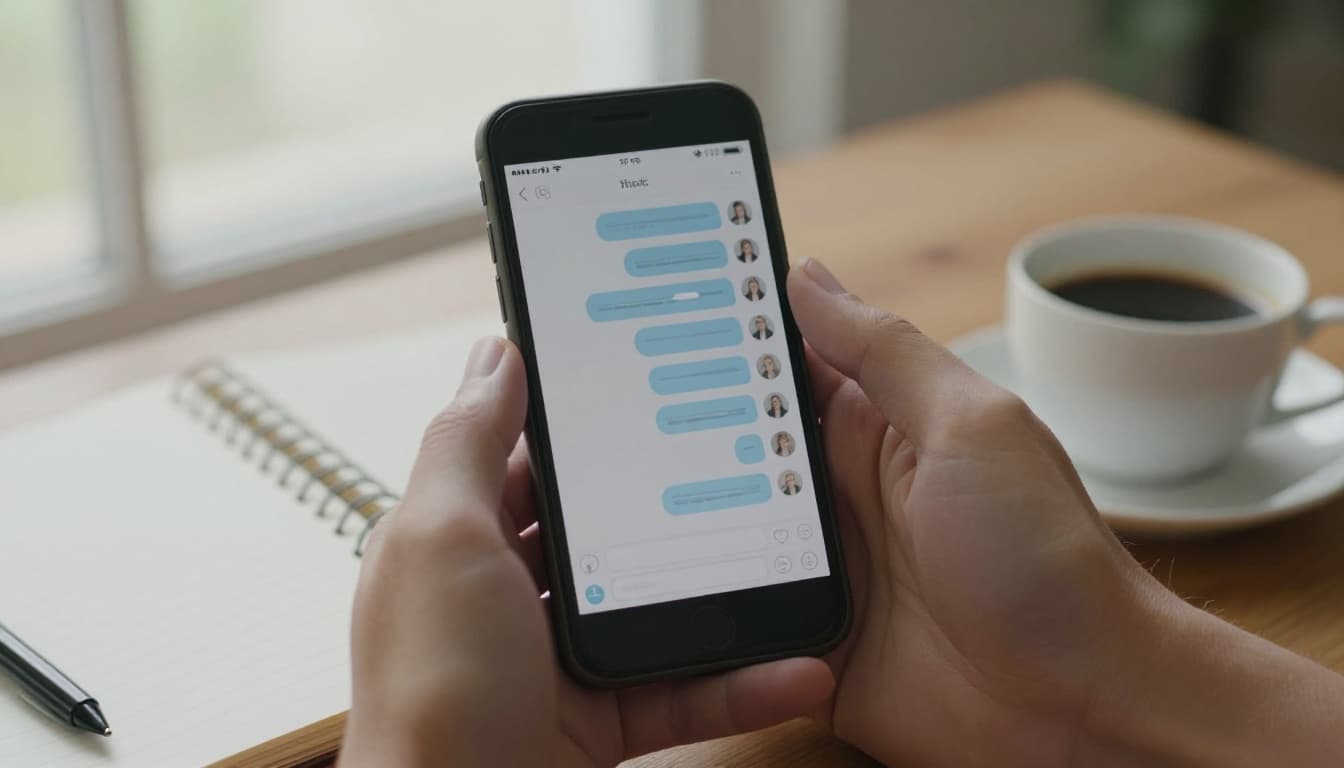
Chat-based support on a smartphone, created with AI.
Chat support often beats calls for tasks that are transactional. Plan changes, add-on activation, DND settings, address updates, and request status checks usually work well in-app. You also get something valuable: a written trail. If a billing dispute happens later, a transcript is evidence.
Start the chat with one clean message. Avoid a long story. Use this format:
“Prepaid mobile, number ending 1234. Data pack is active, but the speed dropped since 7 PM in Midtown. Restarted phone, still slow. Need network check or profile refresh.”
Then attach proof when it fits. Screenshots help, but keep them relevant: error screens, recharge confirmations, speed test results, or bank transaction IDs. Many apps allow file uploads, and if not, you can paste key IDs as plain text.
Chat is not ideal for emergencies. Switch to a call when the issue is urgent, like SIM loss, suspected SIM swap, fraud, or complete service outage. If you must use a third-party guide to find contact options, treat it like a directory and verify details in the official app or site. For example, this Paytm guide to Airtel customer care options can help you understand typical support paths, but you should still confirm your region-specific contact method.
Pick the right help path for your exact issue
Most support delays happen because the first report is too broad. “Network not working” could mean an outage, SIM failure, APN mismatch, or device radio issues. A few targeted checks can narrow it down fast, and that makes Airtel customer care more effective when you do reach them.
A good rule: if you can reproduce the problem and record the exact time and place, your ticket moves faster. Networks run on logs, so the more precise you are, the easier it is to correlate your complaint with tower alarms, provisioning events, or account changes.
No signal, slow data, or call drops: quick checks before you contact support

Checking mobile signal and airplane mode outdoors, created with AI.
Start with the lowest-effort resets, because they fix a surprising number of registration problems:
Toggle airplane mode on for 10 seconds, then off. After that, restart the phone. If the issue remains, remove the SIM and re-seat it (power off first if your device requires it). Dirt or a slight misalignment can break contact.
Next, check whether the problem is local. Walk outside, then test a different spot a few blocks away. If service improves, you may be dealing with building interference or a localized tower issue. If you have a dual SIM, switch data to the other SIM to confirm the device radio still works.
If you can, test your Airtel SIM in another unlocked phone. This split test tells you whether the problem follows the SIM (account or SIM fault) or stays with the handset (device configuration).
Only then consider a network settings reset. On iOS and Android, a network reset clears saved APNs, Wi-Fi networks, and Bluetooth pairings. It can fix corrupted carrier configs, but it is disruptive, so save it for last.
When you contact support, report in a way that maps to network engineering:
- Exact location (street or landmark, not just the city)
- Time window (for example, “6:10 PM to 7:00 PM”)
- Whether 5G, LTE, or 3G is selected
- If calls fail with a message, include it verbatim
- Handset model and software version
- Whether the SIM works in another phone
If you need a reference for common Airtel contact channels by service type, a third-party directory like India Customer Care’s Airtel listing can be a starting point. Still, confirm any contact details in Airtel’s official support pages for your region.
Billing, recharge, and wrong deductions: how to document it and get it fixed
Billing issues feel personal because money left your account. The fastest fix usually comes from clear documentation, not longer explanations.
First, collect proof in one place:
- Recharge receipt or order confirmation
- Bank SMS or card authorization message
- Transaction ID (UPI, bank reference, wallet ID, or card ARN if available)
- Screenshot of the Airtel balance or pack status page
- Date and time of the charge, including the time zone if you traveled
For prepaid, focus on what changed: main balance, validity, data balance, or an add-on not applied. For postpaid, focus on line items: taxes, roaming charges, add-on subscriptions, or pro-rated plan fees.
When you reach Airtel customer care, ask for three things early: a complaint or ticket number, an estimated resolution time, and the exact next step. If the agent says “wait 24 hours,” repeat it back and ask what happens if it is not resolved after that window.
Follow-ups work better when they are structured. Send one short message that includes the ticket number, the transaction ID, and what outcome you want (refund, reversal, or plan activation). If you are using prepaid, you can also check if Airtel publishes a dedicated prepaid contact directory for your region. For India-based prepaid references, Airtel prepaid helpline listings can help you understand typical routing, but treat it as informational and verify via official sources before acting.
Get better results when you talk to Airtel customer care
Support outcomes improve when you treat the call or chat like a technical incident report. Your goal is not to vent. Your goal is to help the agent reproduce the issue, match it to logs, and apply the right fix.
Keep a simple timeline. Note the start time, what you tried, and what changed. That reduces repeat troubleshooting and protects you if the case needs escalation later.
What to say first, and what not to forget
A short script keeps things on track, especially if you are stressed:
“Hi, I need help with [issue]. It started at [time] in [location]. It affects [calls, SMS, data, billing]. I already tried [two actions]. I need [restore service, reverse charge, replace SIM] and a case number.”
Then slow down and answer verification questions carefully. Most regions require identity checks before account changes. Provide only what is needed, and never share secrets.
Security matters because scammers copy support language. Follow one rule with zero exceptions: never share OTPs, PINs, or passwords with anyone, even if they claim to be Airtel support. Real agents may ask you to confirm OTP on an official flow, but they should not ask you to read it out in a casual chat or on a suspicious call.
Before the interaction ends, ask for the agent’s name or ID if available, the ticket number, and the promised resolution window. Also, confirm the follow-up channel, like SMS, email, or in-app notifications.
How to escalate if you are stuck, without wasting days
Escalation works best when you treat it as a process, not a threat. First, follow up using the same ticket number. That keeps the history attached and saves you from re-explaining everything.
If the stated resolution time passes, request a supervisor or an escalation team. Keep your message factual: “Ticket ABC123, opened Monday 3 PM, recharge not credited, transaction ID XYZ, promised 24 hours, still pending.”
Written channels help here, because they create a paper trail. If you started on the phone, consider switching to chat or email for the follow-up. Attach your proofs again and reference the ticket number in the first line.
Most Airtel regions also publish an official escalation or grievance path on their website. Use the escalation page for your SIM country and service type, because the correct form and response timeline vary. If you keep a clean timeline of contacts and outcomes, you can escalate without guessing or repeating steps.
Conclusion
When you need Airtel customer care fast, match the channel to the problem. Call for urgent outages, SIM loss, and fraud risk. Use chat for quick fixes, plan changes, and status checks, because the transcript helps later. For billing disputes, bring transaction IDs and screenshots, then ask for a case number and a clear resolution time.
Keep your account details ready, stay alert for scams, and never share OTPs with anyone. Start with the quickest method for your issue, then escalate using the ticket number if the promised window passes.