A video starts, then stops. The spinning circle shows up again. On the sidewalk, your map snaps to a new spot, then freezes like it forgot where you are. Moments like that are why 4G mattered so much when it arrived, and why it still matters now.
In plain terms, 4G is the mobile network generation that made smartphones feel “always on.” It turned streaming, ride shares, and clear app-based calls into normal daily habits. You’ll also see “4G LTE” on your phone, which leads to a fair question: Is LTE the same as 4G?
This guide explains what 4G is, what “4G LTE” means, why your speed changes block to block, and why people still search for BSNL 4G coverage and setup steps in 2026.
What 4G really is, and what your phone does behind the scenes
 Photo by Ulrick Trappschuh
Think of 3G like a two-lane road that also has to carry a lot of voice traffic. 4G is more like a wider highway built mainly for data. That design shift is the big deal. With 4G, your phone can move more information with fewer delays, so apps feel snappier.
Most carriers marketed LTE as “4G,” even though early LTE wasn’t always “true 4G” by strict standards. In real life, that debate doesn’t change much. When your phone shows 4G or LTE today, it usually means a modern, IP-based network that handles data well. If you want a clear, plain-English breakdown of the terms, this explainer on the difference between 4G, LTE, and 5G is a helpful reference.
Behind the scenes, your phone is busy in quiet ways. It measures nearby towers, checks signal quality, and switches between frequency bands to keep you connected. You don’t see those handoffs, but you feel them. A song downloads before you can set your phone down. A video call holds together while you walk past parked cars and storefronts. Your map refreshes fast enough to catch the next turn.
4G vs 3G and 5G, what changes for real people
Speed grabs attention, but everyday experience comes from a mix of speed, delay (latency), and how well the network holds up in crowds.
Here’s a simple, realistic comparison. Actual results vary based on signal, congestion, and your plan.
| Network | Typical real-world download | Typical latency | Best fit for |
|---|---|---|---|
| 3G | ~1 to 8 Mbps | ~80 to 200 ms | Basic browsing, messaging |
| 4G LTE | ~10 to 80 Mbps | ~25 to 60 ms | Streaming HD, video calls, maps |
| 5G | ~50 to 300+ Mbps | ~10 to 40 ms | Heavy hotspot, fast uploads, dense cities |
For most people, 4G is the “good enough, almost everywhere” option. On the other hand, 5G can feel faster when conditions are right, but it can also fall back to 4G often, depending on coverage and buildings.
LTE, LTE-A, and VoLTE are the terms that show up in settings
LTE-Advanced (LTE-A) is basically “stronger LTE.” One common feature is carrier aggregation, where your phone uses multiple chunks of spectrum at once, like opening more lanes on that highway.
VoLTE matters even more than it sounds. It stands for Voice over LTE, which means your calls travel over the 4G network instead of older voice layers. As a result, calls often connect faster, sound clearer, and let you use data at the same time. When your phone shows “HD” or “VoLTE” during a call, it’s pointing at that feature.
How fast is 4G, and why does your speed change from street to street
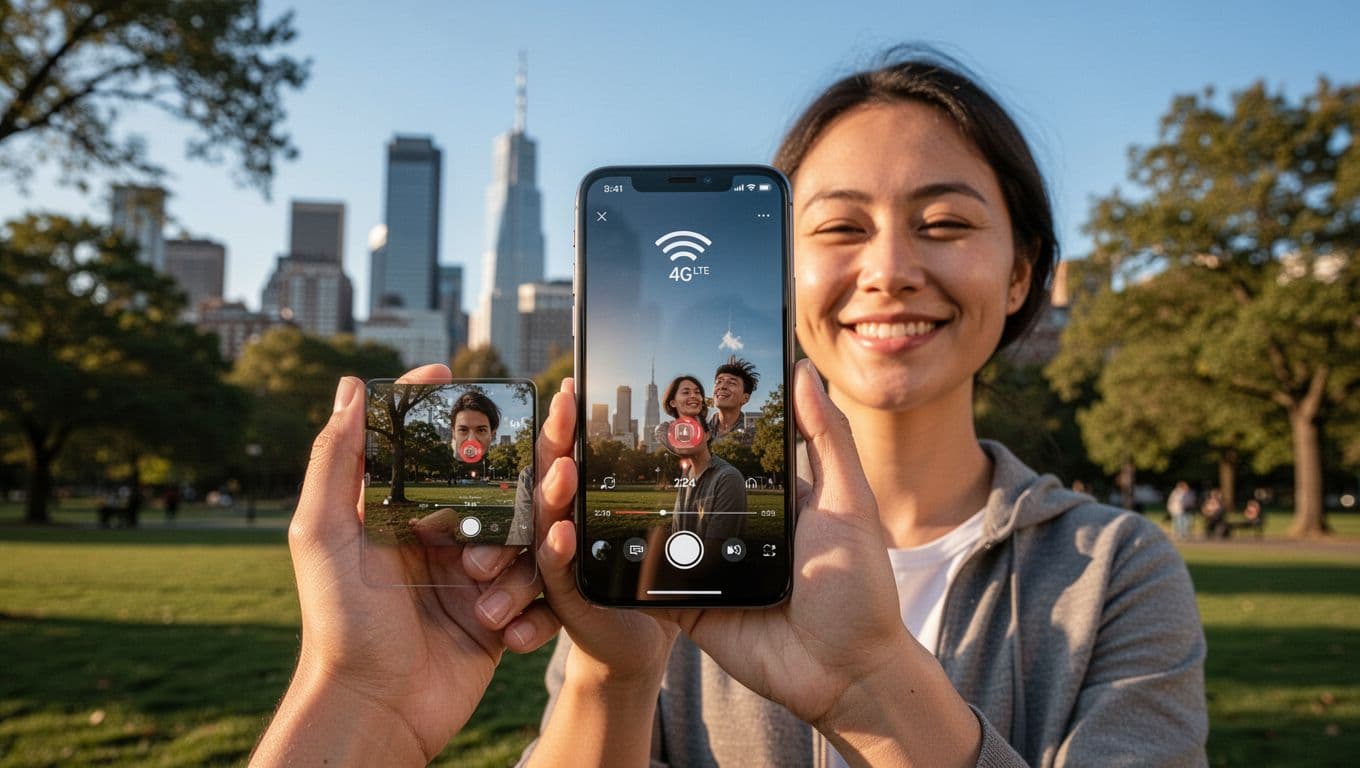 Smooth 4G streaming in a park setting,
A good 4G connection often lands somewhere around 10 to 80 Mbps down, 5 to 20 Mbps up, with latency commonly in the 25 to 60 ms range. Those numbers are “day-to-day” ranges, not lab results. For another plain benchmark perspective, see how fast 4G can be in practice.
So why does 4G feel great on one corner, then slow a block later? Picture a crowded stadium. Thousands of phones share the same nearby towers. Now picture a concrete parking garage. Your signal has to push through thick material. Even riding in a car changes things because your phone keeps handing off between towers.
A quick way to sanity-check slow 4G is to test it twice: once indoors, once outdoors. If outdoor speed jumps, your building is part of the problem.
The 6 biggest reasons 4G feels slow (and which ones you can fix)
Some causes are out of your control, but a few fixes are quick.
- Weak signal: Step near a window, or move outside for a test.
- Tower load (congestion): Try again at a different time, like late evening.
- Backhaul limits: A tower can have a strong signal but a limited “pipe” to the internet.
- Phone modem limits: Older phones may not support faster LTE features.
- Throttling or plan limits: Some plans slow after you hit a data threshold.
- App or server issues: A slow video site can look like a slow network.
If you need a fast reset, toggle airplane mode for 10 seconds, then turn it off. Also, restart the phone, update carrier settings, and check whether Data Saver or a VPN is forcing slower routes.
Signal bars are not the whole story, learn the signs of a strong 4G link
Signal bars are a rough hint, not a promise. One more bar can still mean worse data if the tower is crowded or the band is slower. Instead, watch for practical signs: steady 1080p streaming, low ping in games, and clean VoLTE calls that don’t sound “watery.” If your speed test ping stays stable while you walk around, your 4G link is usually healthy.
BSNL 4G: what to expect in 2026 and how to check if you are ready
BSNL 4G questions come up a lot because rollout timing and performance can differ by location. The most reliable approach is simple: check coverage where you actually live, work, and commute. Recent reporting on rollout plans can add context, such as this update on BSNL continuing 4G expansion into 2026 to 2027.
To use BSNL 4G well, most people need four things: a 4G-capable phone, the right SIM, VoLTE support, and correct settings. After that, local tower distance and indoor coverage decide the day-to-day experience.
Phone, SIM, and settings checklist for a smooth BSNL 4G switch
- 4G-capable handset: Confirm your phone supports 4G LTE and the bands used in your area.
- SIM readiness: If your SIM is older, a replacement may help with 4G and VoLTE access.
- VoLTE toggle: Turn on VoLTE in mobile network settings if your phone supports it.
- APN basics: If data fails, reset APN settings, then restart the phone.
- Software updates: Update your OS and carrier settings to avoid odd network bugs.
Dual-SIM phones add one more wrinkle: only one slot may support 4G at full speed. If you get stuck on 3G, swap the SIM slot and test again.
Common BSNL 4G problems, like no VoLTE, no signal, or slow data
- Phone sticks on 3G: Set preferred network type to LTE or 4G (or “LTE/3G/2G auto”).
- Calls drop to 2G: Enable VoLTE, and confirm your device supports it.
- Data shows connected but won’t load: Reset APN, disable VPN, then reboot.
- Speed is fine at night but poor midday: That’s usually congestion, not your phone.
- No signal indoors: Test outside first, then consider Wi-Fi calling if available.
If you’re unsure whether it’s the phone or the network, test the SIM in another handset, or test your handset in a different neighborhood.
Is 4G still worth it, and when should you upgrade
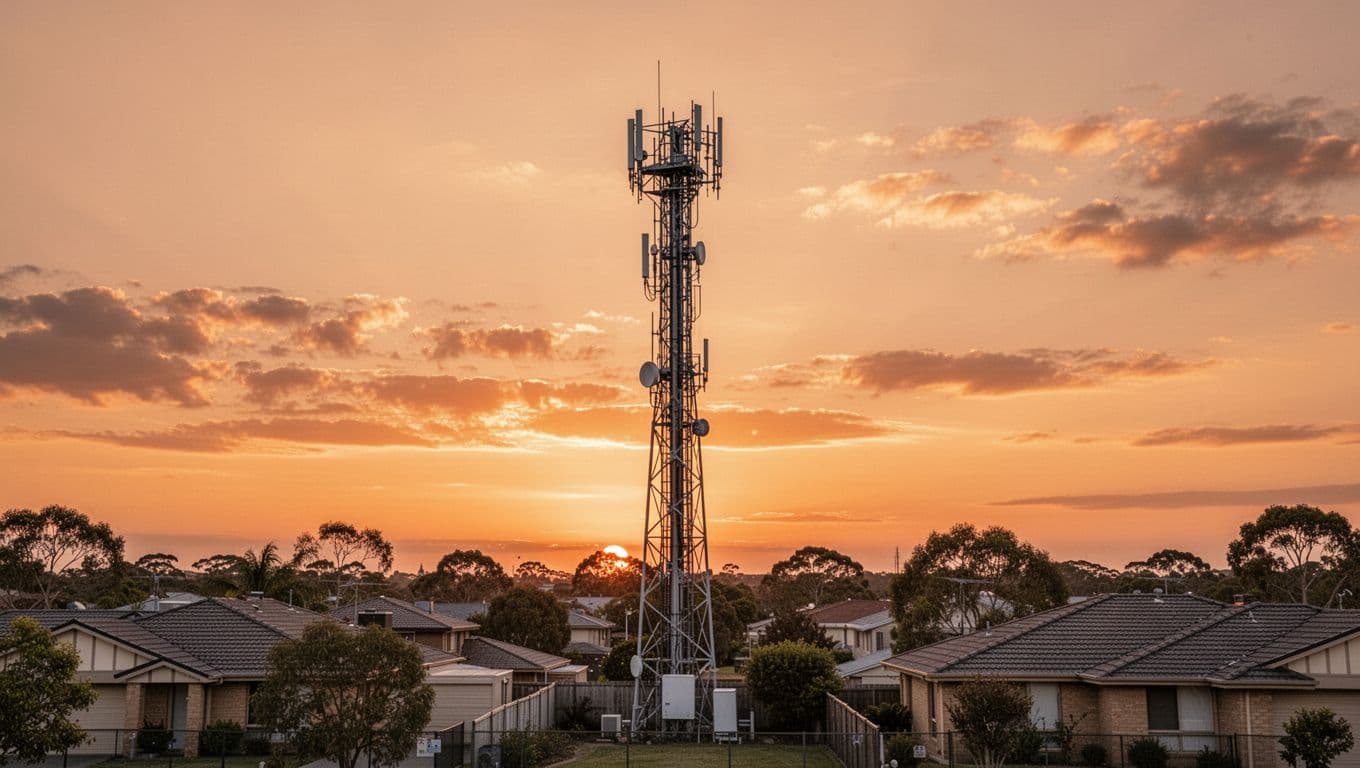 An everyday cell tower scene at sunset,
In 2026, 4G still earns its place because it’s widely available and usually stable. In many areas, it also uses less battery than constantly hunting for a weak 5G signal. VoLTE is another quiet win, since it keeps calls clear and quick to connect.
Upgrading to 5G makes sense if you use hotspot data often, upload large files, or spend time in dense city areas where 5G capacity helps. Travelers also benefit from phones that handle many bands well, since coverage can change fast across regions.
When buying a phone, prioritize band support, modem quality, and battery size over flashy camera extras. Those three decide how your day feels.
4G-only, 4G plus 5G, or 5G-only plans, choosing without overpaying
A 4G-only plan can be a smart fit if your area has solid LTE and you mainly stream, browse, and call. A 4G plus 5G plan is often the safest choice for new phones, as long as the price jump is small. 5G-only plans can work, but they’re risky in places where 5G coverage still has gaps.
Before you pay more, check the fine print: fair-use limits, hotspot caps, and video quality defaults can change your experience more than raw speed.
Conclusion
4G still keeps daily life moving in 2026, even as 5G grows. Speeds swing for clear reasons: signal, congestion, buildings, and device limits. For BSNL 4G, readiness usually comes down to your phone, SIM, VoLTE settings, and local coverage.
Take two minutes today: check your network mode, confirm VoLTE is on, then run a speed test in two spots (indoors and outdoors). That quick check tells the real story of your 4G connection.